
Download Xbox Original Avatars – Xbox, avatars, gaming, personalization, customization, online, friends, fun, expression, identity
Overview
The Xbox Original Avatars app serves as a digital canvas for personal expression within the gaming ecosystem. Designed to allow users to craft and manage their virtual identities, the app enables gamers to personalize their presence across Xbox Live. With customizable physical traits, clothing, and accessories, users can create avatars that reflect their unique style and personality. This tool is especially valuable for those who value identity representation in online multiplayer environments, where avatars serve as visual ambassadors of the user.
Targeted primarily at Xbox gamers and digital identity enthusiasts, the app supports a social dimension by allowing users to share their creations with friends and the broader Xbox community. This feature enhances engagement and fosters a sense of connection among players. While the app was released in 2015, its continued availability on Android indicates ongoing support for legacy Xbox features and user nostalgia. The developer, Microsoft Corporation, has a long-standing presence in gaming and digital services, lending credibility to the app’s stability and integration with broader Xbox ecosystems.
Real-world use cases include preparing a unique avatar for multiplayer matches, participating in community events, or simply expressing creativity through digital art. In the context of mobile-first gaming culture, the app provides a lightweight yet meaningful way to maintain a consistent virtual identity across platforms. Its role in the app ecosystem lies in bridging the gap between mobile devices and console gaming identities, offering a portable customization tool for Xbox users.
Key Features & Functionality
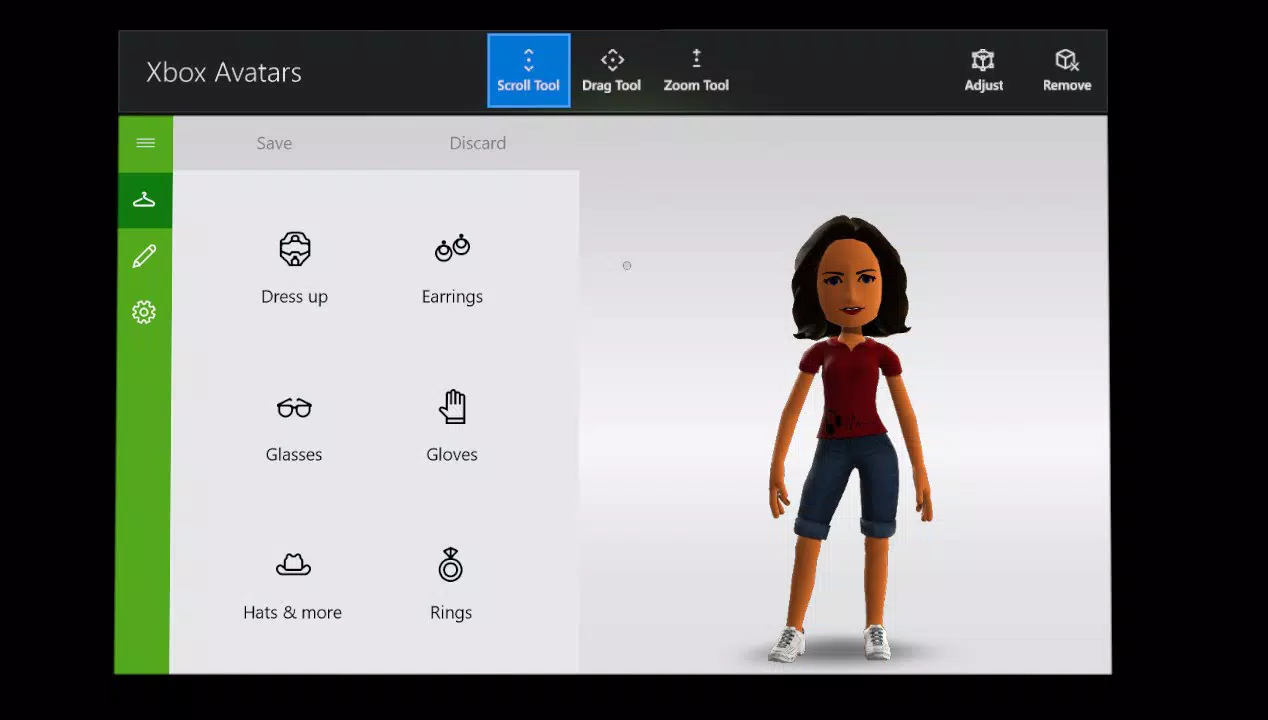
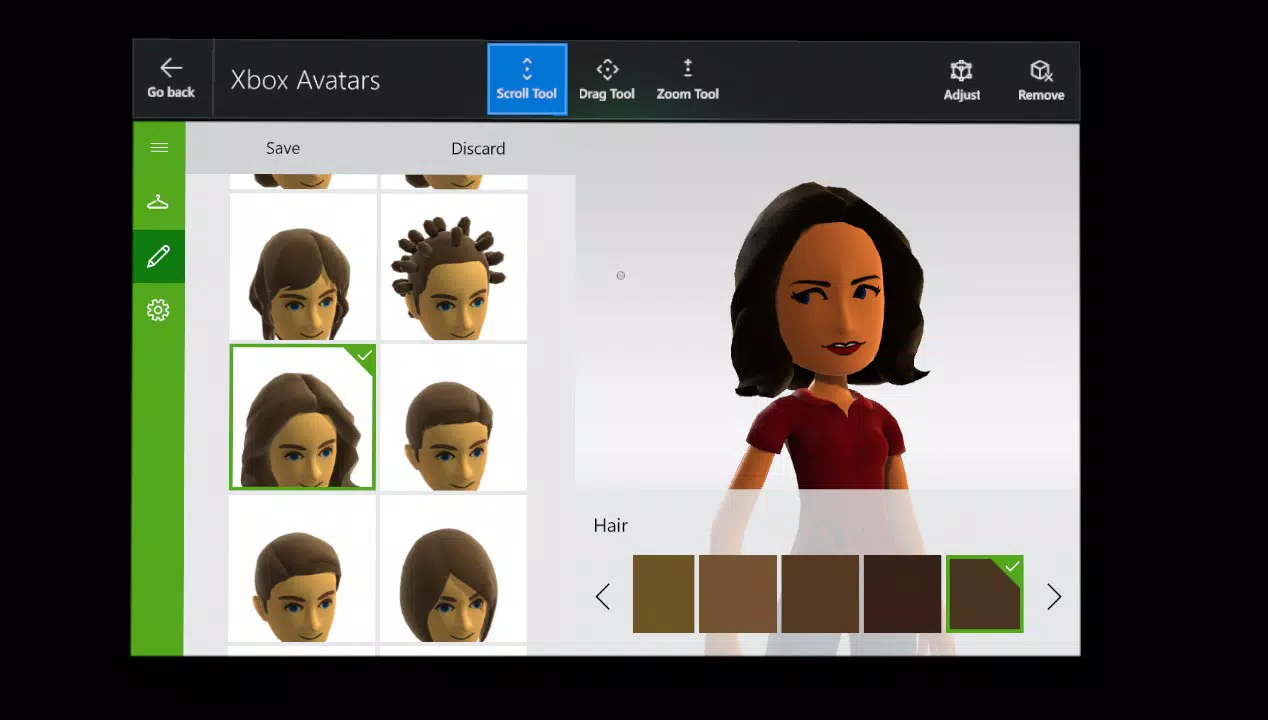
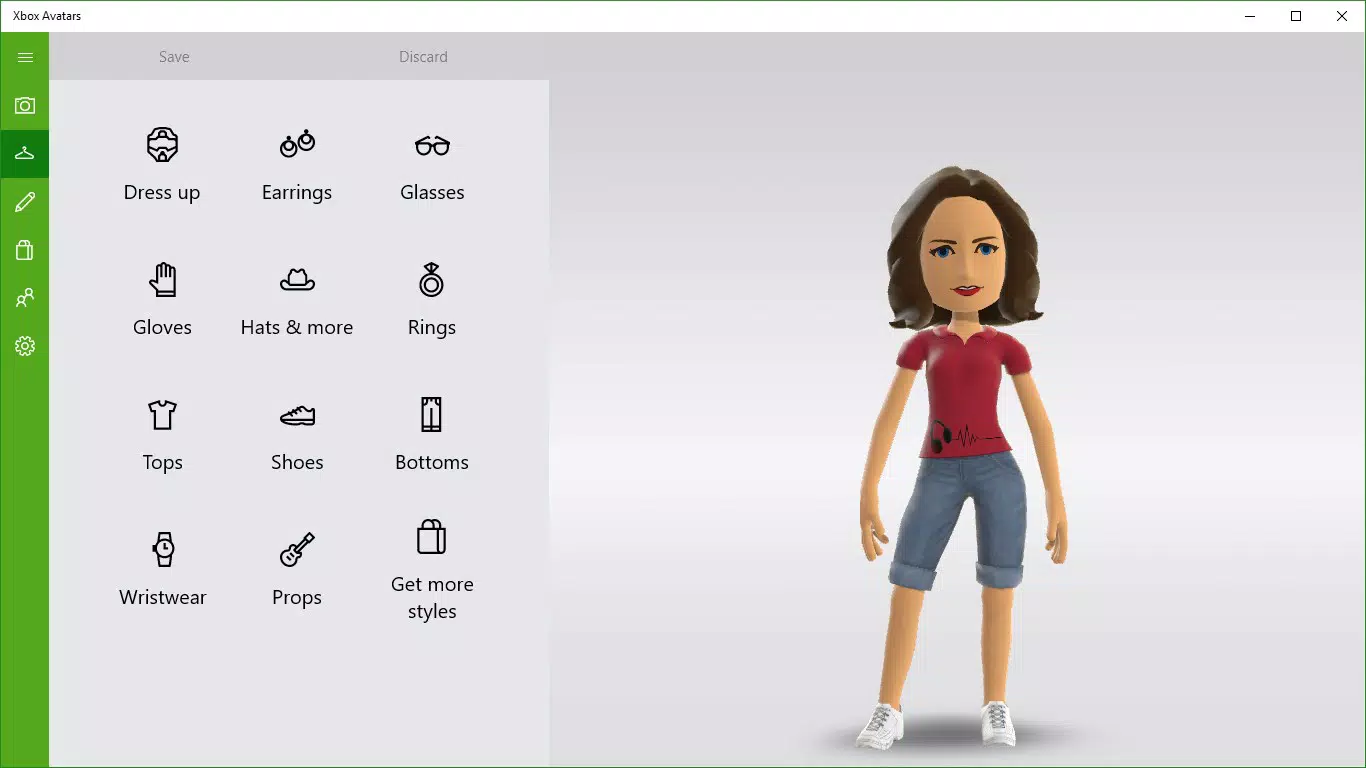
- Avatar Customization: Users can modify facial features, body type, skin tone, and hairstyles to create a representation that closely matches their desired identity. A wide selection of clothing and accessories allows for detailed personalization, enabling users to craft looks ranging from casual to fantastical.
- Create New Avatars: The app supports starting from a blank slate, giving users the freedom to design entirely new avatars without relying on pre-existing templates. This is ideal for users seeking a fresh digital persona or experimenting with different styles.
- Share Your Creations: After customizing, users can capture and share their avatar images with friends via social platforms or within the Xbox community. This feature strengthens social interaction and encourages peer appreciation of creative efforts.
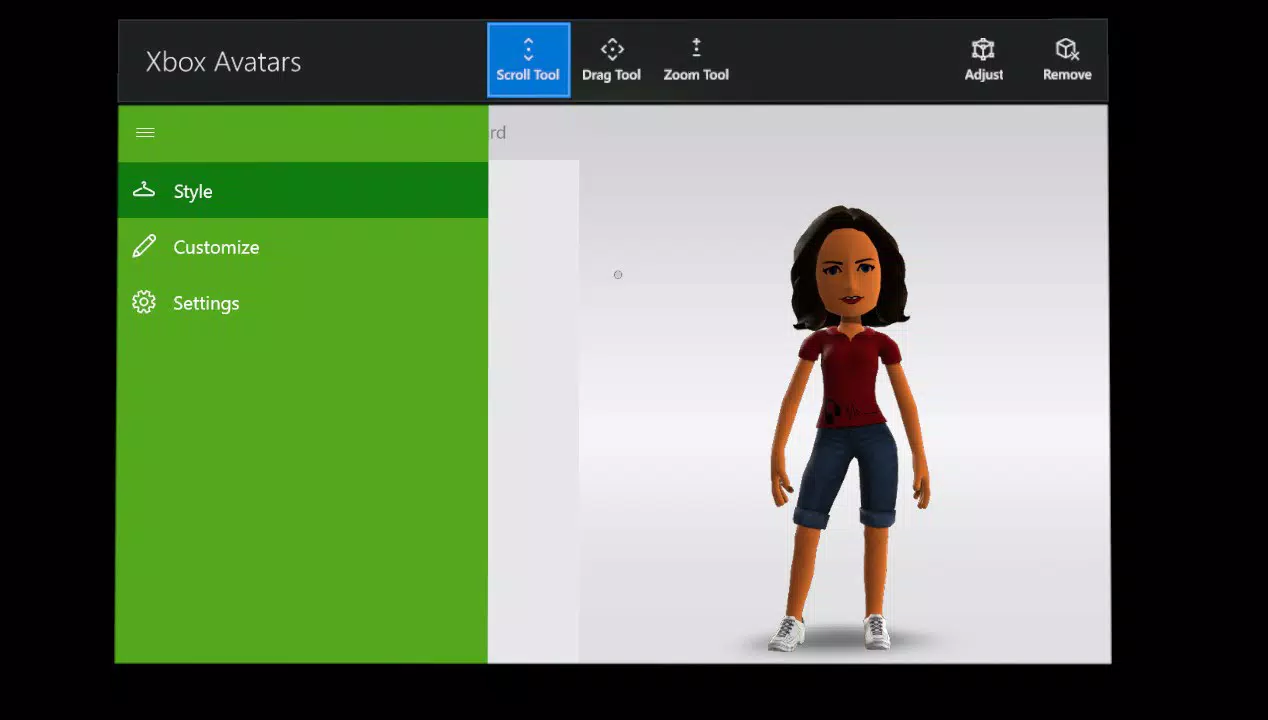
- User-Friendly Interface: The app features a clean, intuitive layout that simplifies navigation between customization tools. Even users unfamiliar with digital avatars can quickly learn how to use the app’s core functions.
- Seamless Integration with Xbox Live: Once created, avatars are automatically synced across Xbox devices and games, ensuring a consistent online identity. This integration enhances user experience by eliminating the need to recreate profiles on each platform.
For example, a user might design a futuristic warrior avatar for a new game and then share it with friends before joining a multiplayer session. The ability to maintain this identity across devices ensures continuity in social gaming interactions.
Interface, UX & Performance
The app presents a visually cohesive interface with clearly labeled tools and intuitive controls. The layout prioritizes accessibility, with customization options grouped logically by category—such as body, face, clothing, and accessories—reducing cognitive load during use. Navigation is linear and responsive, allowing users to move seamlessly between editing stages without confusion.
Although the developer did not list formal performance metrics, the app’s lightweight nature—46.3 MB in size—suggests it is optimized for efficient operation on a range of Android devices. Users can expect stable performance during customization sessions, with minimal lag or crashes. The app responds promptly to touch inputs, and transitions between screens are smooth, contributing to a pleasant user experience.
Compatibility with various screen sizes and resolutions has not been explicitly detailed. However, the interface appears to adapt well to different display dimensions, maintaining readability and usability. Stability across device categories is assumed based on the app’s long-standing presence and consistent functionality. The app does not require high-end hardware, making it accessible to users with mid-range or older Android smartphones.
Platform Compatibility & Technical Requirements
The Xbox Original Avatars app is available exclusively on Android devices. It runs on Android platforms, though specific minimum OS versions were not listed by the developer. The app has a file size of 46.3 MB, which is relatively small, indicating minimal storage impact. This makes it suitable for devices with limited internal memory.
Although the developer did not specify minimum OS requirements, the app’s version is 1.0.21, released in 2015. Given its age, it may function on older Android versions, but compatibility with the latest Android releases cannot be confirmed without official documentation. Users are advised to check device compatibility before installation.
Pros and Cons
Pros
- Free to download and use, making it accessible to all users.
- Offers deep customization for personalizing virtual identities.
- Supports sharing avatars with friends and the Xbox community.
- Lightweight design with low storage requirements.
- Seamlessly integrates with Xbox Live for consistent identity across platforms.
Cons
- App version is outdated (1.0.21), which may affect compatibility with modern Android systems.
- Developer did not provide detailed technical specifications or system requirements.
- No indication of recent updates or active development.
- Platform availability limited to Android only.
- Interface may appear dated compared to current mobile design standards.
FAQ
Is the Xbox Original Avatars app free to download?
Yes, the app is available at no cost. There are no in-app purchases or subscription fees associated with its core features.
Can I use my avatar across all Xbox games?
Yes, once created, your avatar is synchronized with Xbox Live and can be used across supported games and platforms where avatars are supported.
Is the app safe to install on my Android device?
Yes, the app is published by Microsoft Corporation, a trusted developer. It is recommended to download only from official app stores to ensure security and authenticity.
Does the app require internet access?
Basic customization features can be used offline. However, sharing avatars or syncing with Xbox Live requires an active internet connection.
Are there any updates planned for the app?
The developer has not publicly announced any upcoming updates. The current version is 1.0.21, released in 2015, and no recent development activity has been documented.
Final Thoughts
The Xbox Original Avatars app remains a niche yet meaningful tool for users invested in digital self-expression within the Xbox ecosystem. Despite its age and lack of recent updates, its core functionality—avatar creation, customization, and sharing—remains relevant for nostalgic players and those who value a consistent online identity. The app’s lightweight design and free access make it a low-risk option for Android users seeking a fun and creative way to personalize their gaming presence.
While it may not match the polish of modern mobile apps, its integration with Xbox Live and straightforward interface offer a practical solution for maintaining a virtual persona. Gamers who enjoy crafting unique digital identities or connecting with others through shared creativity will find value in this tool.
Download Xbox Original Avatars now


